
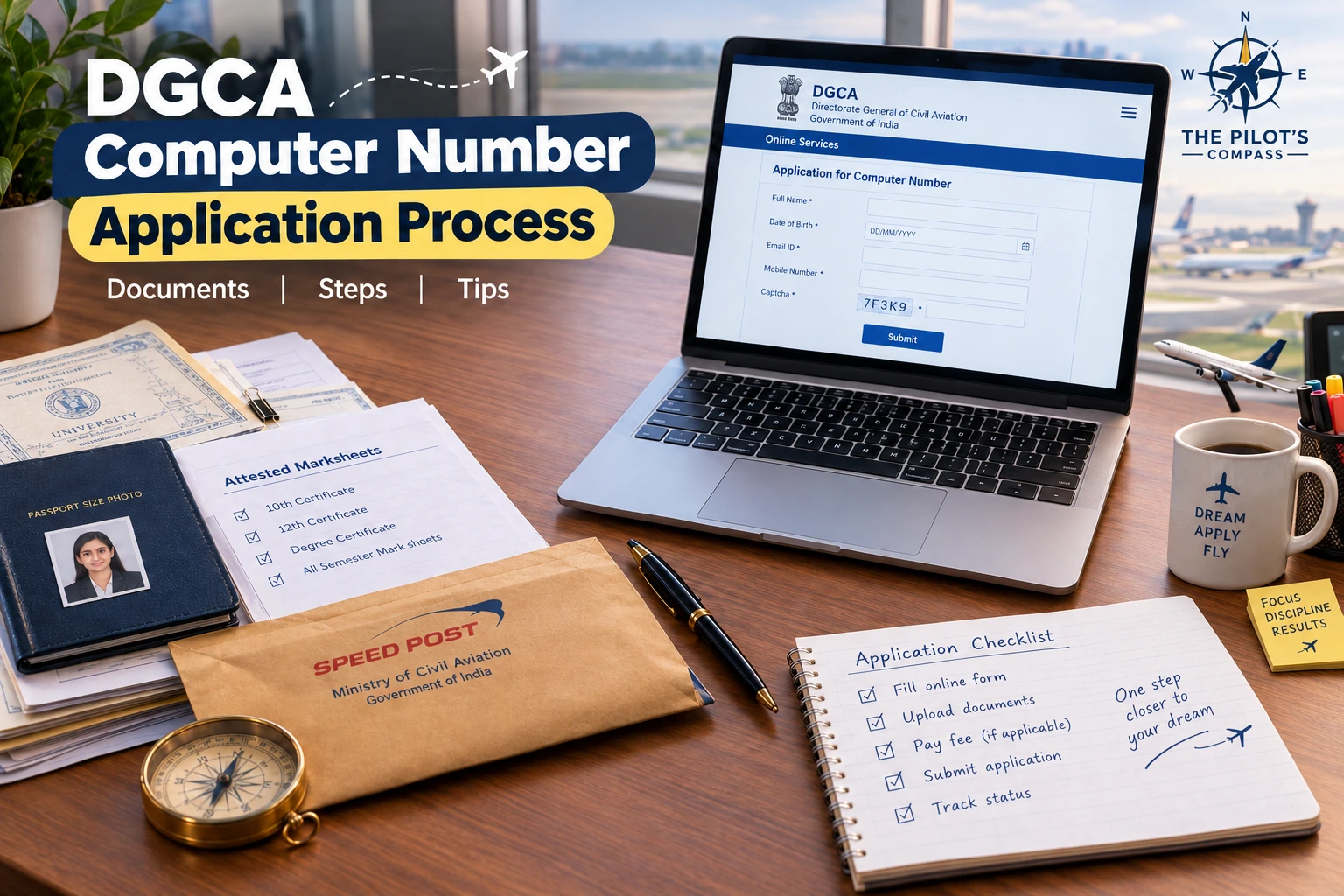
A DGCA computer number is your lifetime ID for every DGCA flight crew exam. You apply online through the DGCA Pariksha portal, upload the required self-attested digital documents, and wait for online scrutiny and approval. Since October 2024, DGCA no longer requires applicants to post a hard copy or submit documents attested by a notary or gazetted officer.
Most rejections come from small mismatches in names, dates of birth, board verification certificates or photo and signature files, so check everything before you press final submit.
The short version:
DGCA allows only one computer number per candidate, valid for life. The application is now online-only. Eligible Indian candidates can receive an auto-generated number when their identity and education records match DigiLocker; other applications go through online scrutiny. Prepare every document first, because you cannot add documents after final submission.
Key Takeaways
- One number, for life: DGCA allows only one computer number per candidate, and its validity is lifetime.
- Online-only process: Since October 2024, there is no hard-copy dispatch or external attestation.
- DigiLocker can speed up approval: CBSE candidates became eligible for auto-generation from 16 October 2025 when their records match.
- Education verification is mandatory: DGCA may verify records through DigiLocker or require the relevant Board Verification Certificates for manual applications.
- Names and dates of birth must match on every uploaded document. This is one of the most common rejection reasons on DGCA's own list.
- No additions after final submission: Prepare everything first.
- Confirm current rules on the official DGCA Pariksha portal before applying.
Quick Navigation
- What Is a DGCA Computer Number?
- Who Is Eligible to Apply?
- Documents and File Specifications
- Step-by-Step Application Process
- DigiLocker Auto-Generation for Eligible Candidates
- Why Applications Get Rejected
- Verification Delays: What Is Realistic?
- Pre-Submission Checklist
- After You Receive Your Number
- How The Pilot's Compass Helps With Your Computer Number and DGCA Paperwork
- Frequently Asked Questions
- Official Sources & References
What Is a DGCA Computer Number?
The computer number is the unique ID that DGCA's Central Examination Organisation (CEO) allots to a candidate once the application is approved. You use it to register for DGCA CPL theory exams, book slots, pay exam fees, download admit cards and check results.
Three facts from DGCA's own flight crew FAQ are worth remembering:
- A candidate is authorised to have only one computer number.
- Its validity is lifetime.
- The same number is used for all flight crew examinations, so you will not need a new one for later papers.
It is separate from your eGCA account and PMR number, which are used for Class 2 and Class 1 medical applications. Think of the computer number as your exam identity and the PMR number as your medical identity.
Portal note: DGCA's FAQ describes new flight crew registration on the Pariksha portal (pariksha.dgca.gov.in). DGCA has been moving several services onto eGCA, so open the Pariksha portal and check the current notices to confirm where the new-candidate form sits on the day you apply.
Who Is Eligible to Apply?
According to DGCA's FAQ:
- Except for PPL candidates, you must have passed 10+2 with Physics and Mathematics from a recognised board or university, or an equivalent qualification.
- There is no maximum age limit for registering as a flight crew candidate.
- Indian candidates do not need a passport. Foreign nationals do, and they also go through a security clearance process.
- Diploma holders need a 10+2 equivalence certificate from the relevant state directorate of technical education or a recognised institution.
- If you studied under an international board or university (in India or abroad), you need an Association of Indian Universities (AIU) equivalency certificate.
If you are still deciding whether your subject combination qualifies, read our guides on CPL eligibility after 12th and becoming a pilot without Maths in 12th.
Documents and File Specifications
Keep the following ready before you open the form. The exact list and size limits are in the DGCA Flight Crew user manual, which always takes priority over any summary, including this one.
| Item | What DGCA's FAQ says |
|---|---|
| Class 10 marksheet or certificate | Required, must be legible |
| Class 12 (or equivalent) marksheet or certificate | Required, must show Physics and Mathematics, must be complete |
| Board Verification Certificates (BVC) | Required when DGCA cannot verify the relevant records through DigiLocker |
| Date of birth proof | As per the list in the user manual, same DOB on all documents |
| Permanent address proof | As per the user manual list, must match your application |
| AIU certificates | Needed for international boards or universities |
| Photograph | JPEG or JPG only, 45 mm high by 35 mm wide, white background, matt finish, face about 70 percent of the photo, not more than 3 months old, file size up to 70 KB |
| Signature | JPEG or JPG only, 20 mm high by 45 mm wide, white background, no border, file size up to 20 KB |
| Supporting documents | PDF format only. The size limit for each is in the user manual |
Two practical points:
- Photographs and signatures must be JPEG/JPG. Documents must be PDF. Uploading the wrong format is a simple, avoidable error.
- A mobile number and email ID cannot be shared between two candidates, so use your own.
Step-by-Step Online Application Process
- Gather and scan your documents. Scan them clearly. Illegible scans appear on DGCA's list of rejection reasons.
- Register on the portal. Choose the flight crew new candidate registration and submit the registration form.
- Activate the email link within 24 hours. The link sent to your registered email is valid for 24 hours only. If it expires, you have to register again.
- Fill in the application carefully. Enter your name, parents' names, date of birth and education details exactly as printed on your documents.
- Upload everything before final submission. DGCA's FAQ is explicit that you cannot upload a forgotten document after final submit.
- Submit online. Confirm the declaration and submit the application. Since the October 2024 notice, do not print or post the form and do not arrange external attestation.
- Track the status. Log in through Candidate Login using your credentials. New applications carry a temporary ID until approval.
- Receive the result by email. On approval you get your computer number. On rejection you get the reasons and can correct the application through Candidate Login.
Your login ID after allotment is your computer number with the prefix "P-".
DigiLocker Auto-Generation for Eligible Candidates
From 16 October 2025, DGCA began auto-generating computer numbers for eligible CBSE candidates through DigiLocker verification. The portal fetches the Class 10 and Class 12 records when available and compares them with the details in the application. Auto-generation depends on a complete match between the candidate's Aadhaar, name, date of birth, education records and photograph; a mismatch sends the application for further scrutiny instead.
Choose the DigiLocker route in the Pariksha portal if it is offered for your board, keep your Aadhaar and DigiLocker details current, and review every fetched field before submitting. Boards and eligibility can change as DGCA expands the service, so confirm the current notice and user manual on the portal.
Why Applications Get Rejected
DGCA publishes a list of common reasons for rejection. Grouped by theme, they look like this:
| Theme | What goes wrong |
|---|---|
| Photo and signature | Not uploaded as per the user manual |
| Date of birth | Does not match the supporting document, is different across documents, proof not from the allowed list, or not legible |
| Names | Your name, father's name or mother's name does not match the documents, or differs from one document to another |
| Class 10 and Class 12 documents | Missing, illegible or incomplete. Physics and Mathematics not passed in 10+2 |
| Board Verification Certificate | Missing for Class 10 or Class 12, incomplete, marks differ from the marksheet, link not accessible online, or illegible |
| Address | Does not match the supporting documents, or proof not as per the list |
| AIU equivalence | Required for international boards but missing, incomplete or illegible |
| Incorrect entries | Online entries that do not match supporting documents |
The pattern is clear. Nearly every reason is a consistency problem, not a qualification problem. If your name is spelled "Mohammed" on one document and "Mohammad" on another, expect questions. Fix the mismatch at the source (for example by getting a corrected certificate) before you apply, instead of hoping the scrutiny will overlook it.
Verification Delays: What Is Realistic?
DGCA's FAQ does not publish a fixed processing time, and some third-party websites quote specific numbers of days without an official source. A safer way to plan:
- Online scrutiny. Your number is allotted after DGCA checks the submitted digital application and documents; there is no postal transit step.
- BVC availability. Some boards take weeks to issue a verification certificate. Apply for it early.
- Rejections restart the clock. Each correction round adds time.
Build in a buffer of several weeks, and do not pay a flying school or coaching centre for a slot or exam date until your number is approved. If you need help from DGCA, use the portal's Help Desk and Raise Query option. The FAQ lists a helpline number (011-26196307), but confirm it on the portal before relying on it.
Pre-Submission Checklist
Before you press final submit, confirm every line:
- ☐ Name, father's name and mother's name are identical across all documents and the form
- ☐ Date of birth is the same everywhere
- ☐ Class 12 shows Physics and Mathematics passed
- ☐ BVC for Class 10 and Class 12 is ready and readable (or accessible online if that is how your board issues it)
- ☐ AIU certificates uploaded if you studied under an international board
- ☐ Photograph meets the size, background and age rules
- ☐ Signature meets the size rules
- ☐ All documents are PDF, all images are JPEG/JPG
- ☐ No document is blurry, cropped or incomplete
- ☐ Your mobile number and email are your own and active
- ☐ You have reviewed the online declaration and saved the application reference
- ☐ If using DigiLocker, your Aadhaar, name, date of birth and education records match
After You Receive Your Number
Profile changes are limited. DGCA's FAQ says you can update your mobile number, email ID and correspondence address yourself. Every other change needs prior approval from the CEO, requested through the Raise Query option.
With your number active, you can plan exams. Start with our guides on the DGCA exam syllabus, passing marks and retake rules and the exam preparation guide. If you are applying for the RTR(A) exam, the computer number is also your starting point there.
How The Pilot's Compass Helps With Your Computer Number and DGCA Paperwork
Small mismatches in names, dates or documents cause most delays. At The Pilot's Compass, our team guides students through the eGCA and Pariksha steps so the paperwork is correct before you submit.
- Document checklist before you apply.
- Help with name, date of birth and board verification details.
- Guidance on photo and signature file requirements.
- Support with Class 2 medical booking and exam registration.
- Live ground classes led by Commander Naveen Pandita (Retd.) once your number is ready.
Get your paperwork right the first time. Explore our DGCA CPL Ground Classes Program Page or book a counselling session with our team.
Frequently Asked Questions
How long is the computer number valid? For life, according to DGCA's FAQ.
Can I apply twice if I am worried about rejection? No. A candidate may hold only one number. If rejected, correct the issues through Candidate Login instead of registering again.
Do I need police verification for the computer number? Police verification does not appear in DGCA's FAQ or its list of rejection reasons for computer number applications. Follow the current user manual for the exact document list.
Can I get the number through a coaching institute? Institutes can guide you, but you remain responsible for the accuracy of the information. Do not hand over your documents without checking each entry yourself.
Continue Reading
- DGCA Exam Fees 2026
- DGCA Exam Pattern 2026
- DGCA Pilot Training Process Explained
- How to Become a Pilot in India
- DGCA Class 2 Medical
- DGCA Class 1 Medical
Need help getting started? Our team supports students with computer number paperwork, medical planning and structured DGCA ground classes. Book a free counselling session to check your documents before you apply.
Official Sources & References
-
DGCA notice abolishing hard-copy and external-attestation requirements
-
DGCA Pariksha: Registration Module FAQs
-
DGCA Pariksha: List of common reasons for rejection of computer number
-
DGCA Pariksha Portal: https://pariksha.dgca.gov.in
-
Directorate General of Civil Aviation (DGCA) Portal: https://www.dgca.gov.in
This article summarises DGCA's published FAQ and rejection list for educational purposes. Rules, portals and forms can change. Always follow the latest user manual and notices on the official DGCA website.
Frequently Asked Questions
Map Your Custom Pilot Training Pathway
Evaluate your compliance across the 4 major DGCA training gates, select training country routes (India vs. USA/Europe), and estimate your CPL timeline month-by-month.